Journal
Screenshot in. Trade logged.
The reason most people quit journaling is the typing. Drop in an MT5 or TradingView screenshot and the trade fills itself in. Check it, add how you felt, save.
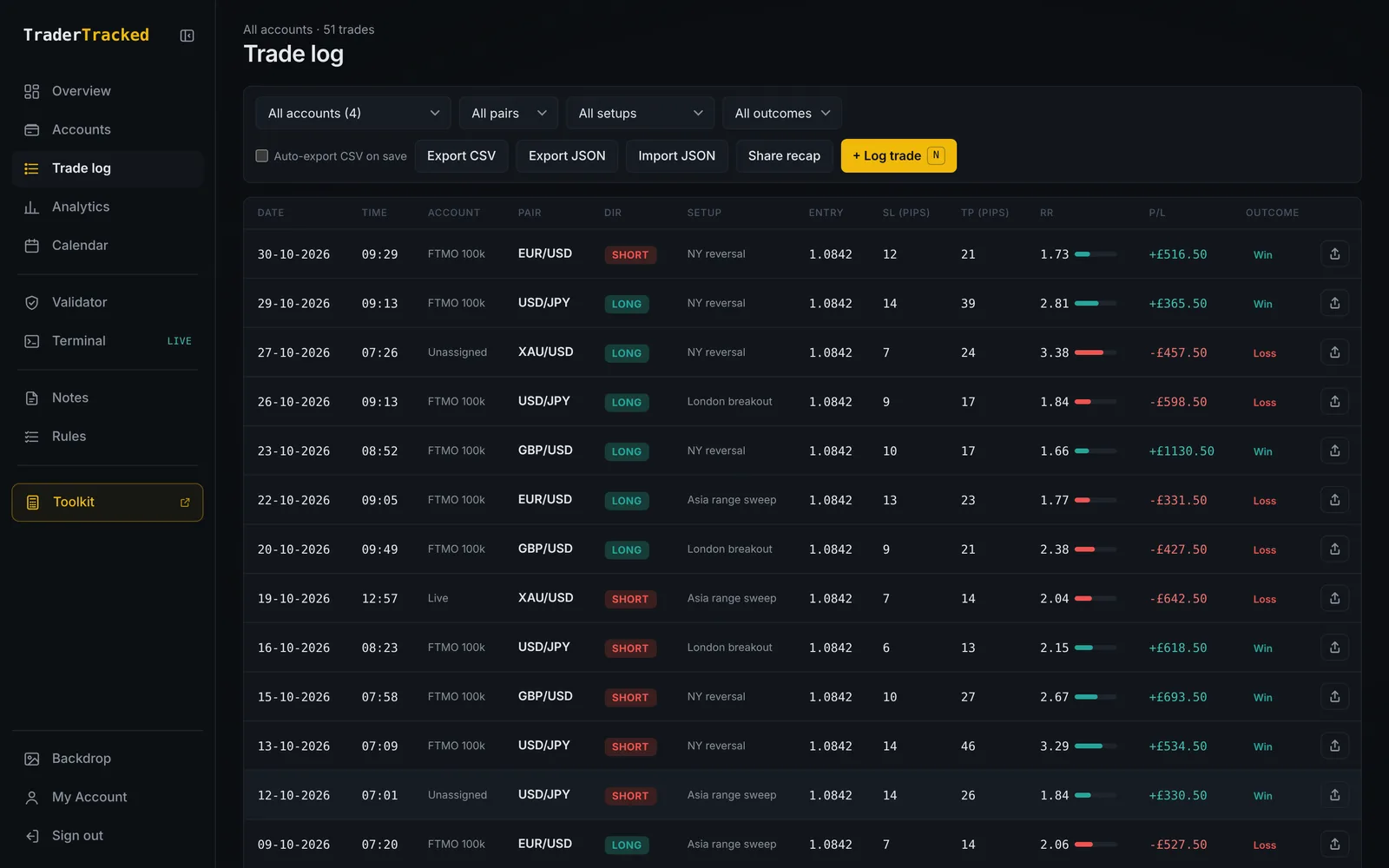
See it work
Screenshot in. Trade logged.
Drop in a chart and watch it fill itself in, then land in your trade log.
Reading the screenshot…
Example data. Keep scrolling to play it, scroll back to rewind.
What it does
AI trade logging, in four parts.
Reads the screenshot for you
Pair, direction, entry, stop, target and result are pulled straight into the form.
Everything a review needs
Setup, session, risk %, commission and swap, rules broken and how you felt, all on one form.
Multiple accounts
Log to a challenge, funded or live account, or move unassigned trades across in one go.
A log you can actually search
Filter by account, pair, setup or day, and jump to any day from the calendar.
How it works
Three steps. That's it.
- 1Drop in a chart screenshot, or type it in if you prefer.
- 2Check what it filled, tick any rule you broke and note your headspace.
- 3Save. Every other page updates from it straight away.
Works with
It's better connected.
Everything in TraderTracked reads from the same trade log, so each part makes the others smarter.
The strategy was always there.
Built by a trader, for traders. Same strategy, fewer mistakes.
Start free for 30 days